Home Overview
This document introduces the content of the Gitee Team homepage to help you quickly familiarize yourself with the platform and get started.
Homepage Description
Gitee Team concept explanations:
- Space: Space is the core object of Team, aggregating similar work content and invested resources. Spaces separate and isolate work content by various dimensions, such as teams, departments, projects, products, etc. Within a space, you can add space components and install plugins to support various types of work.
- Issue: The basic collaborative transaction unit within a space, which can flexibly define multiple issue types such as requirements, tasks, defects, etc.
- Workflow: The business processes/project processes carried within a space, which can flexibly define workflow nodes and even approvals according to project/organizational conditions, helping to standardize and implement processes.
The Gitee Team homepage navigation bar includes:
- Space Management: Displays a list of all spaces you have permissions for;
- Workbench: Includes all issues related to you and related statistics;
- Filter: Displays all issues you have viewing permissions for in the system and allows filtering and querying across various dimensions;
- Time Tracking: Time reporting page
Workbench
The workbench displays all information related to the current user, such as my to-dos, items I'm following, requirements assigned to me, and related statistics. It supports custom components that can be configured according to actual needs.
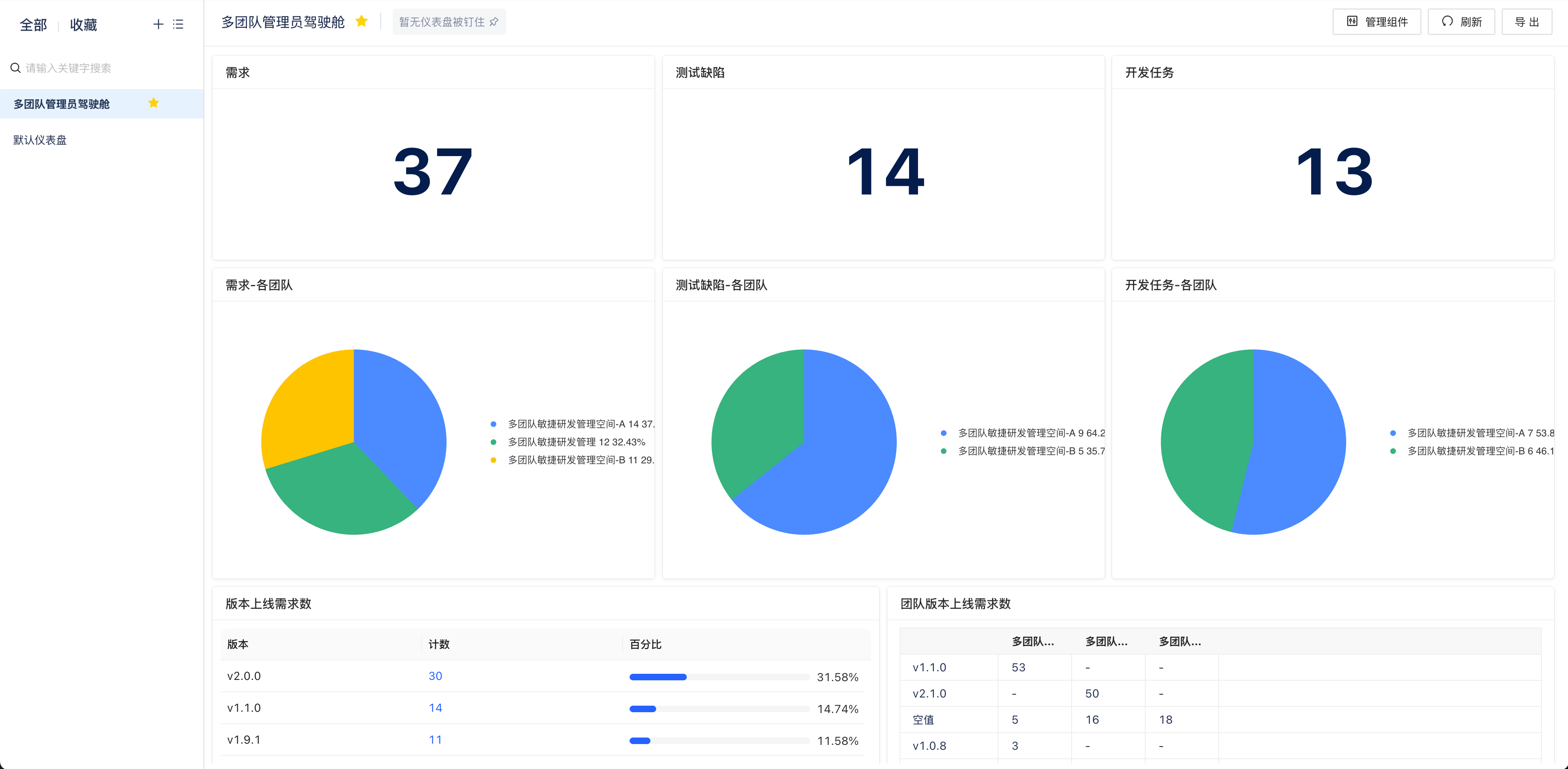
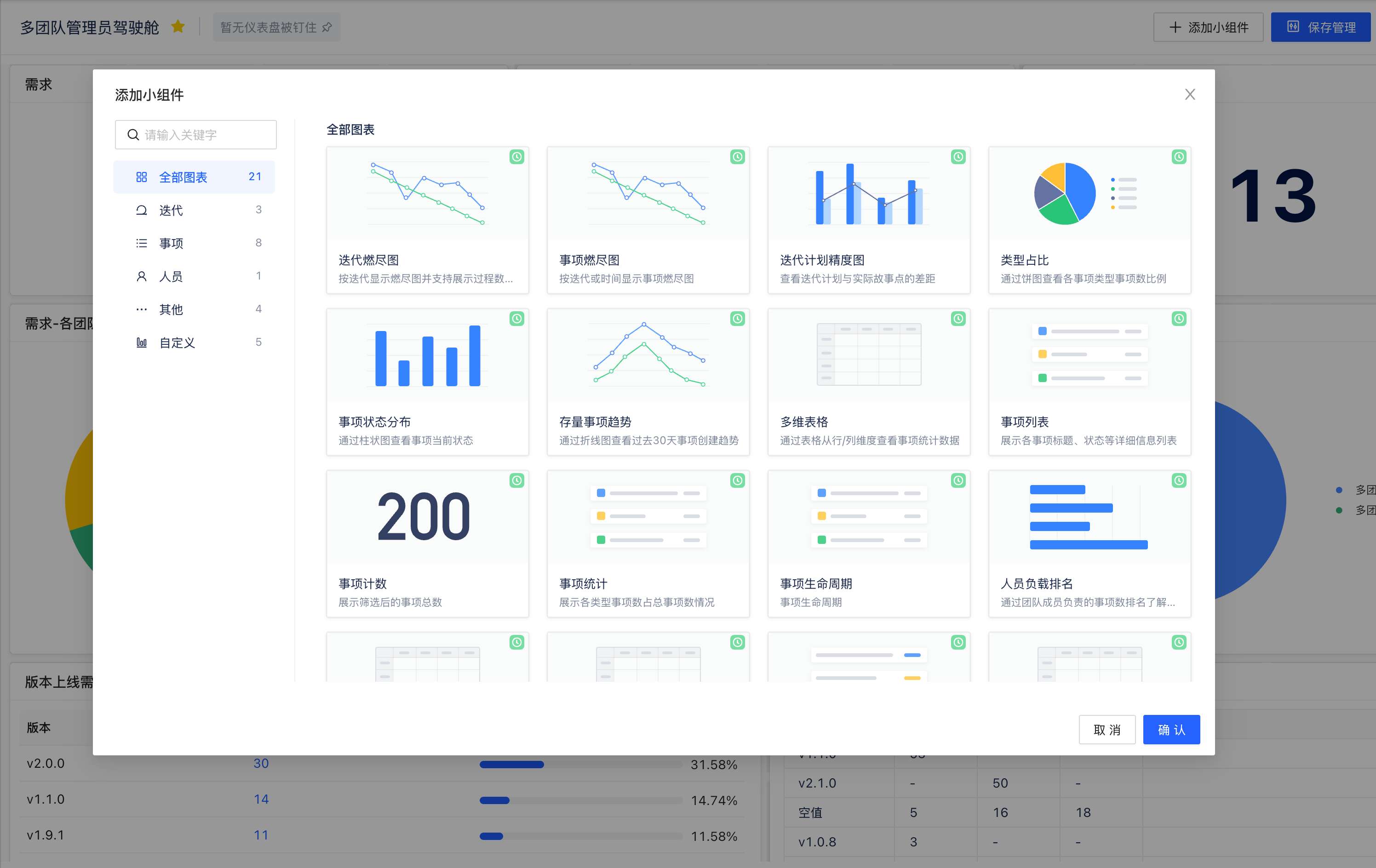
- Manage Components: Manage all components on the workbench with drag-and-drop sorting and configuration capabilities. For more details on workbench configuration, see Workbench Configuration.
Filter
The filter is a collection of issue data within the tenant, where you can view all data you have permissions for and filter across different dimensions.
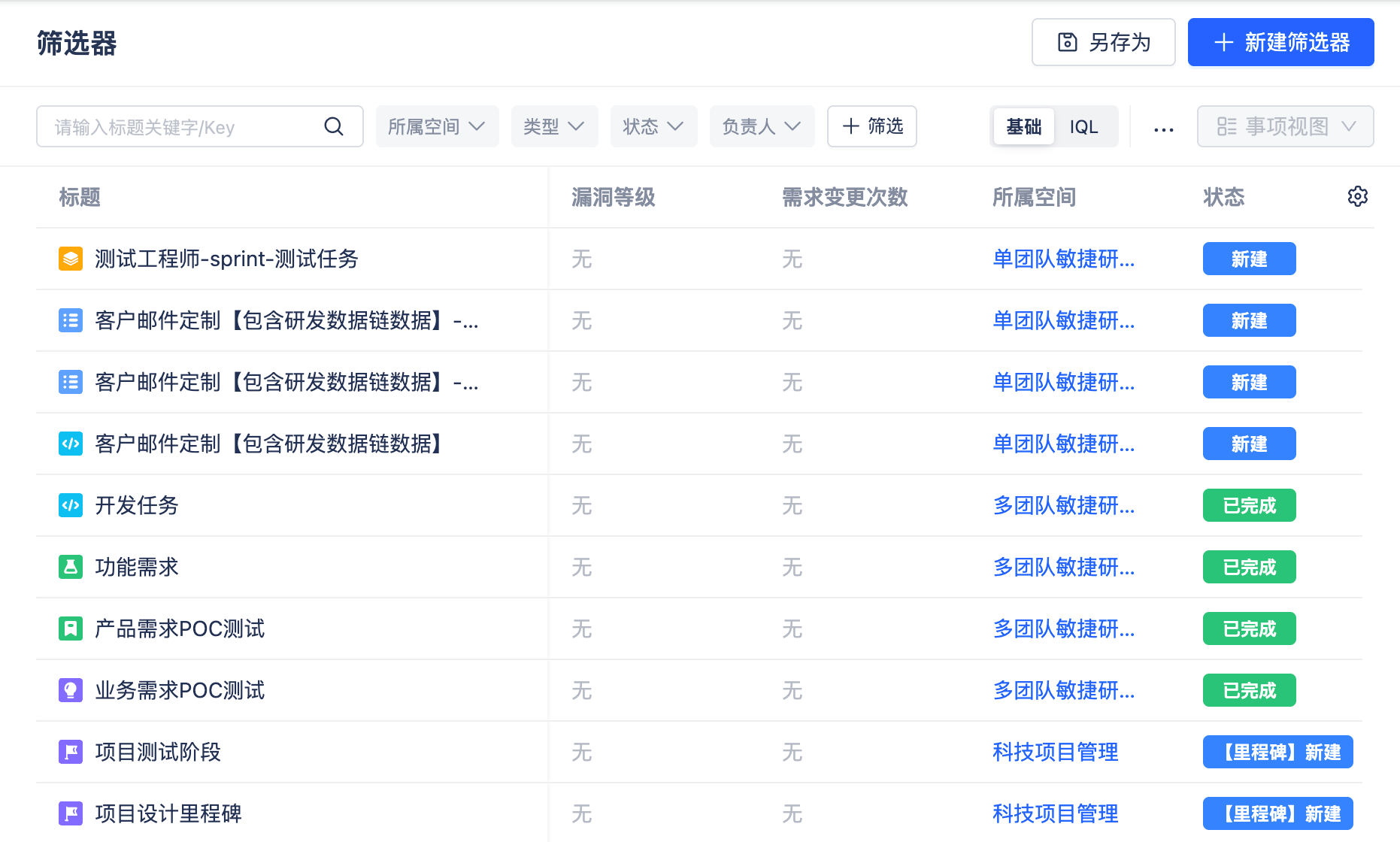
- Global Filter: Visible to everyone.
- Personal Filter: Only visible to the creator themselves.
- Basic/IQL Filter: Supports basic filter conditions and complex IQL statement filtering, can filter related relationships, sub-issues, etc.
Enterprise Settings
Enterprise Settings supports unified configuration of fields, workflows, interfaces, automation, etc. under the enterprise. For detailed usage instructions of the features, refer to Enterprise Settings.