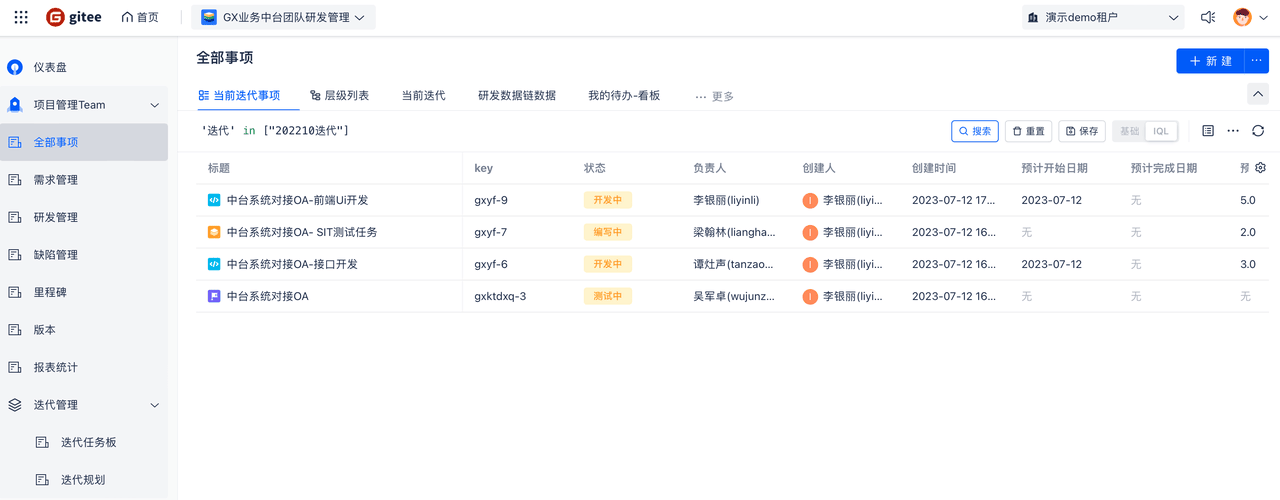
Create Workspace
1. Scenario Description
- "Workspace" is the core object of Team, aggregating similar work content and invested resources. Workspaces separate and isolate work content by various dimensions, such as teams, departments, projects, products, etc. Within a workspace, you can add workspace components and install plugins to support various types of work.
2. Main Features
-
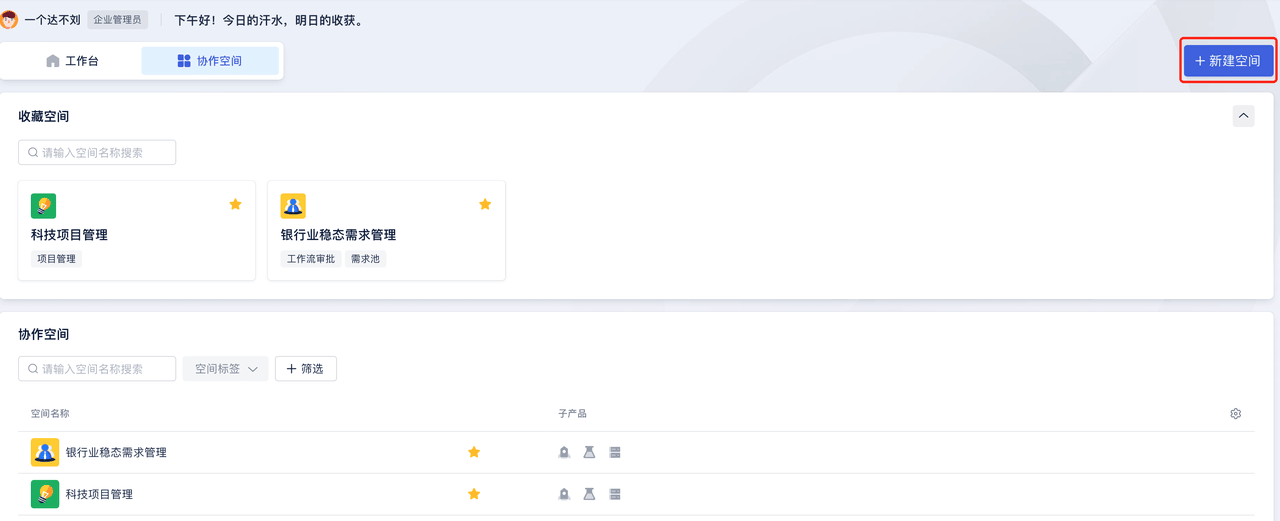
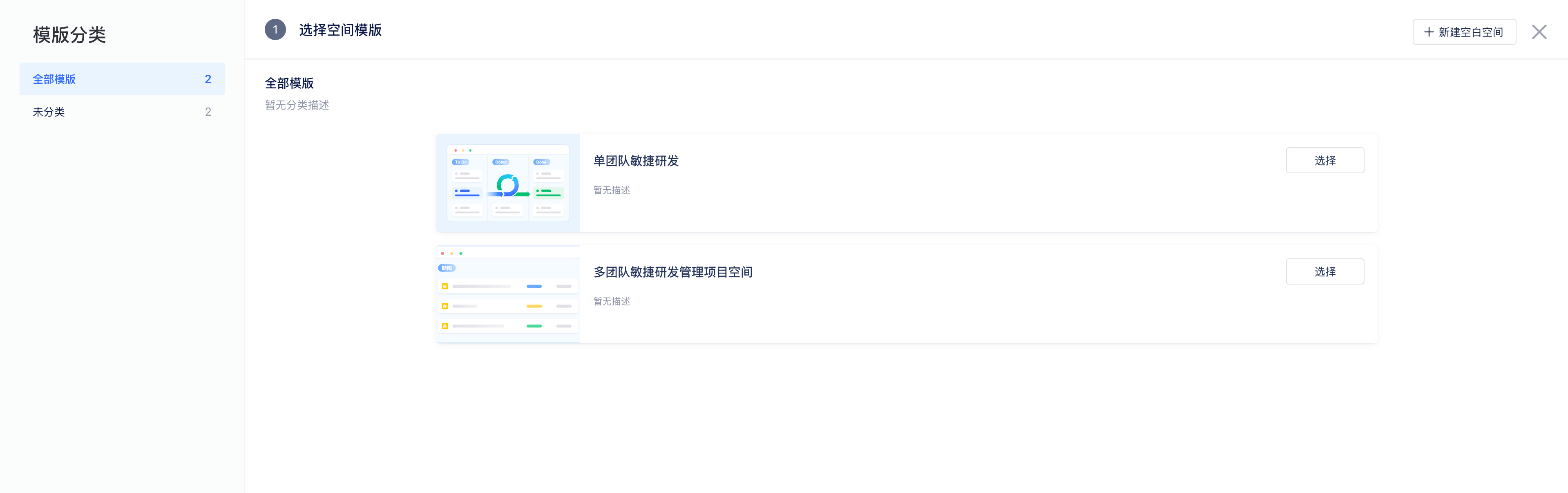
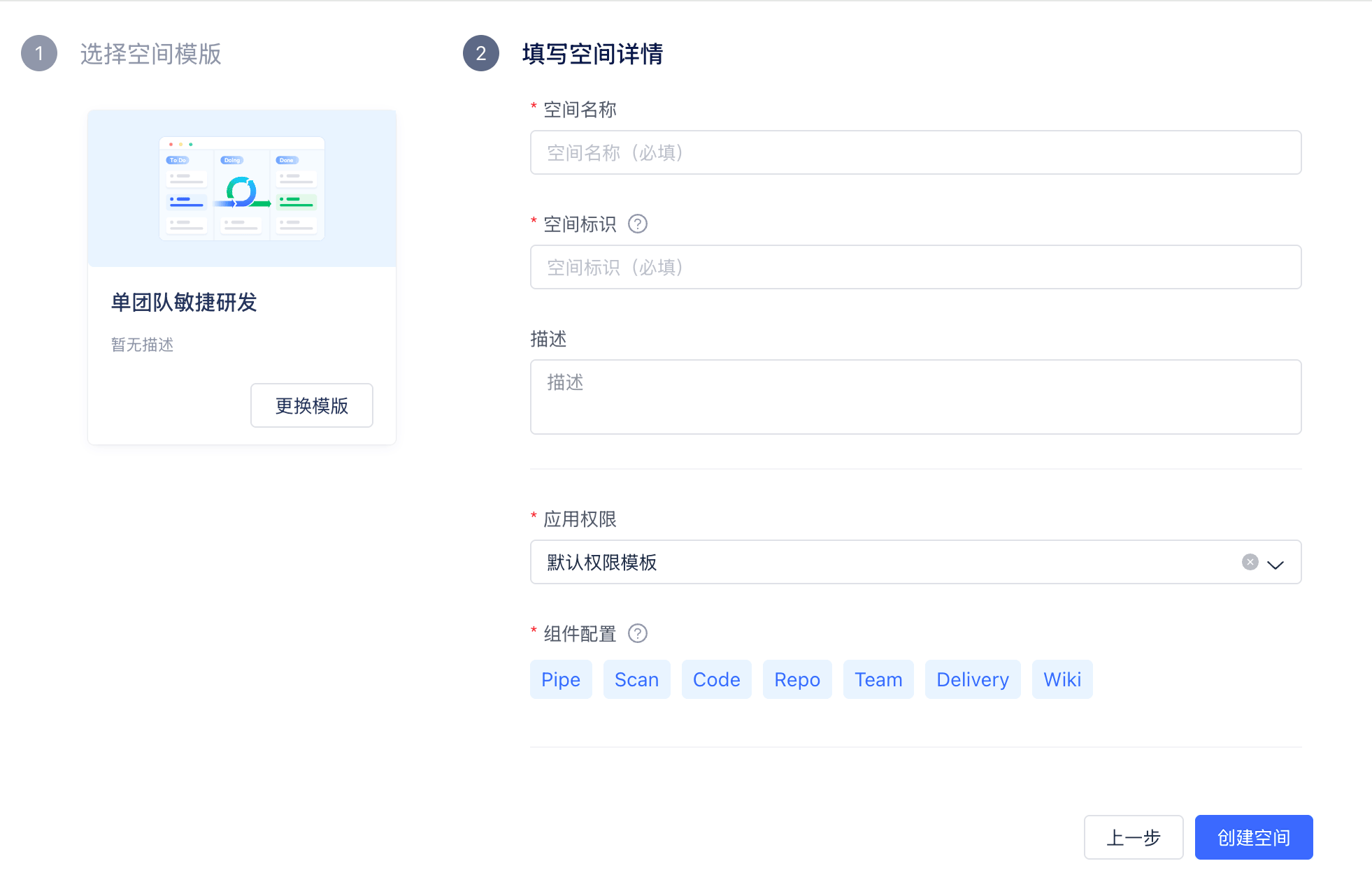
Click "Create Workspace" to choose between inheriting from a template workspace or creating a regular workspace. When selecting template inheritance, the new workspace will inherit the configuration and panel settings of the template workspace. Creating a regular workspace requires pre-configuring permission schemes, hierarchy schemes, and other content. Then fill in the workspace name, workspace identifier, and other information to successfully create it.
-
If you don't have workspace creation permissions, please check Enterprise Settings -- Global Permissions -- Create Project Configuration
-
After the workspace is successfully created, it mainly includes three parts:
- Workspace Settings - Workspace administrators mainly configure permissions, panels, view workspace configurations, and other information. For details, see Workspace Configuration
- Issue Management - Create and manage issues
- Sprint Management, Test Management, Report Statistics, and other business components