Getting started
Before you begin
To complete this tutorial, you’ll need the following installed and running:
Install the CLI
@giteeteam/apps-cli requires Node.js v20.9.0 or later.
We can use multiple versions of Node.js with n, nvm, or nvm-windows.
npm install -g @giteeteam/apps-cli
npm update -g @giteeteam/apps-cli
Package and publish to the online development environment
1. Log in to the debugging environment
Use the login command (for detailed parameters, please refer to Login) to log in to the debugging environment.
giteeteam-apps login
2. Build app
Build app and the output is *.zip
yarn build-app
The build-app command is already defined in package.json.
3. Publish the application to the online development environment
Deploy the application package built in the previous step.(please refer to: Deploy)
giteeteam-apps deploy xxx.zip
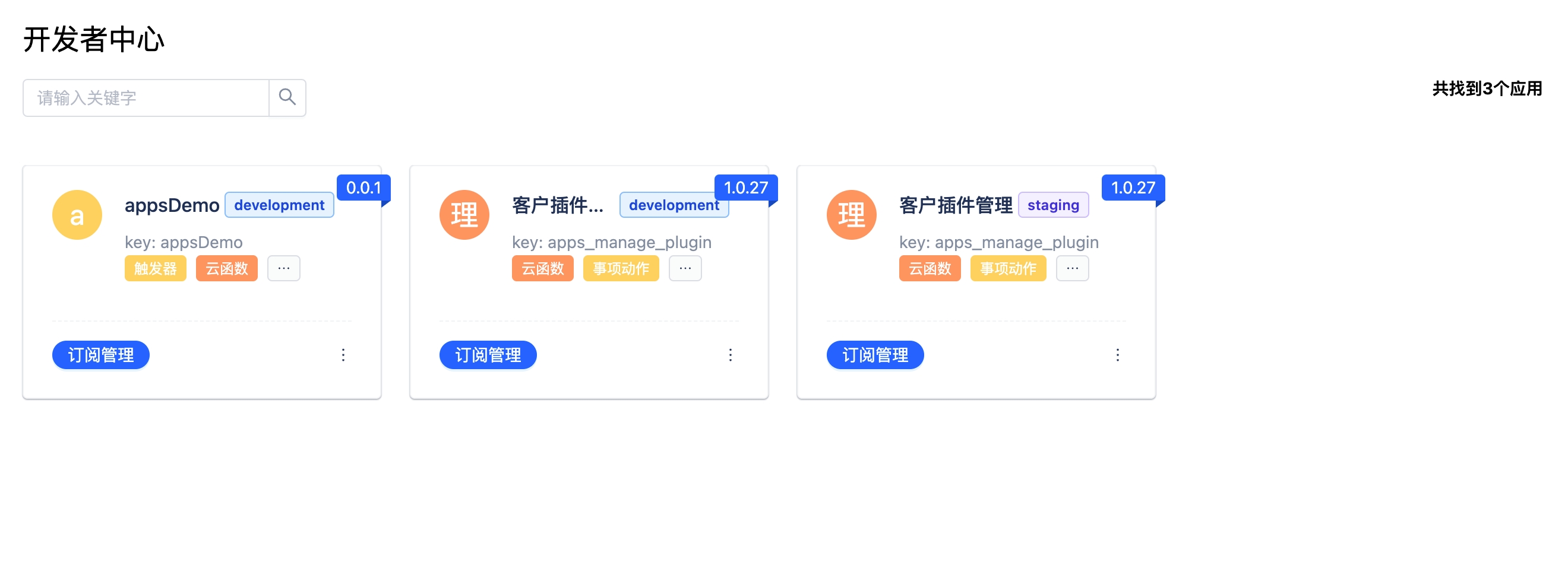
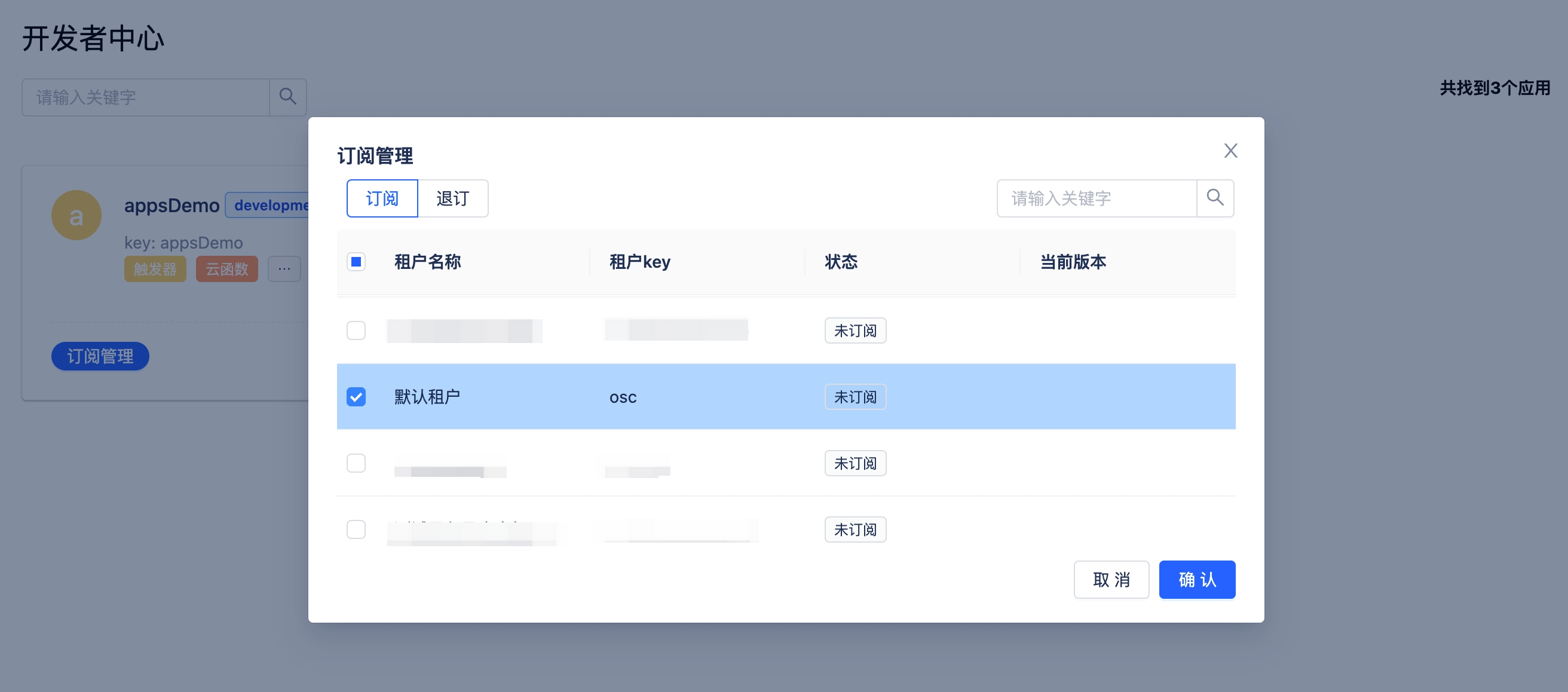
4. Subscribe the app for the tenant in the Developer Center
http://demo.com/apps/page/application/developer
Online deployment
- Open the application center.
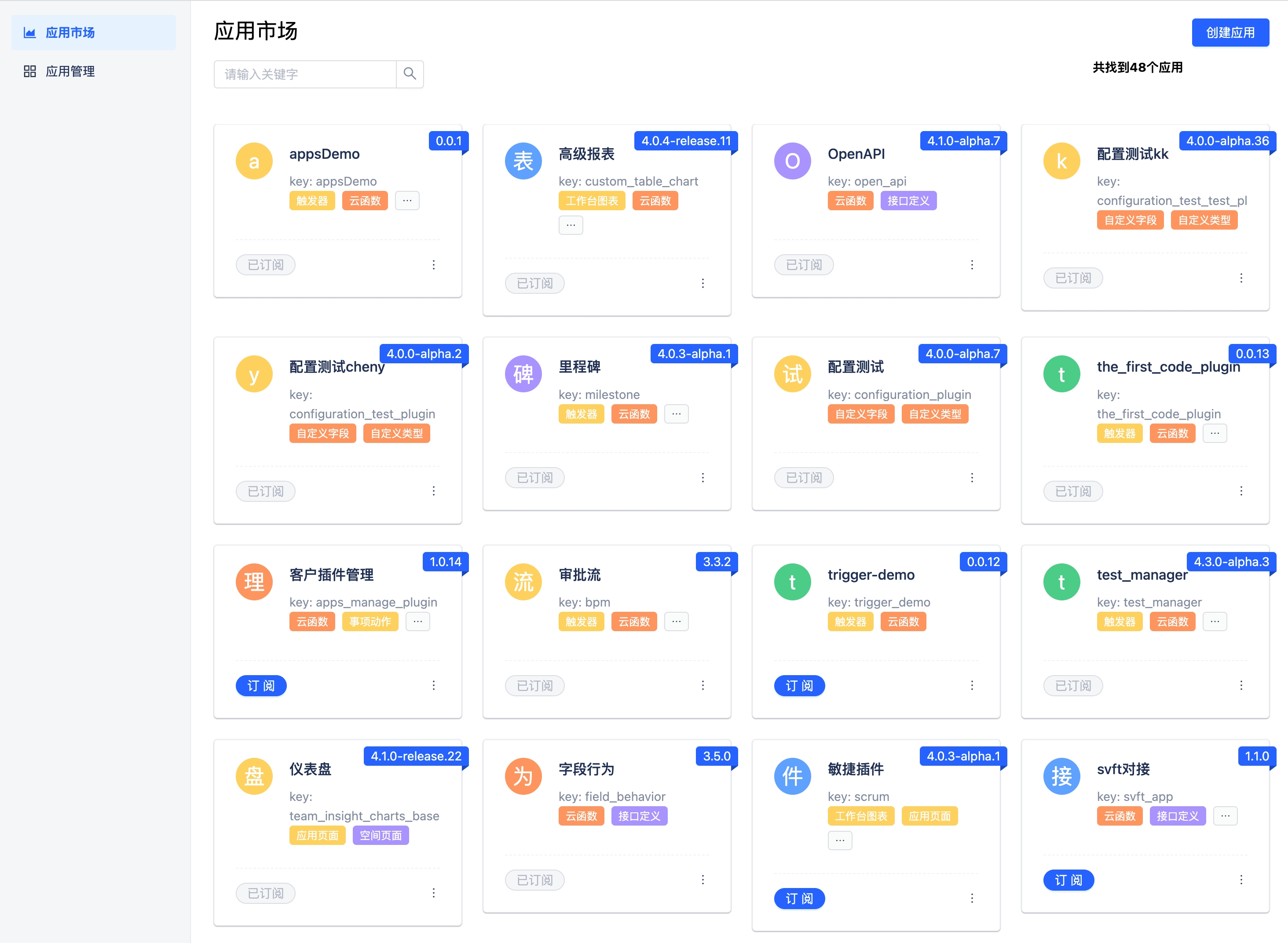
- Create an application and upload the application zip file.
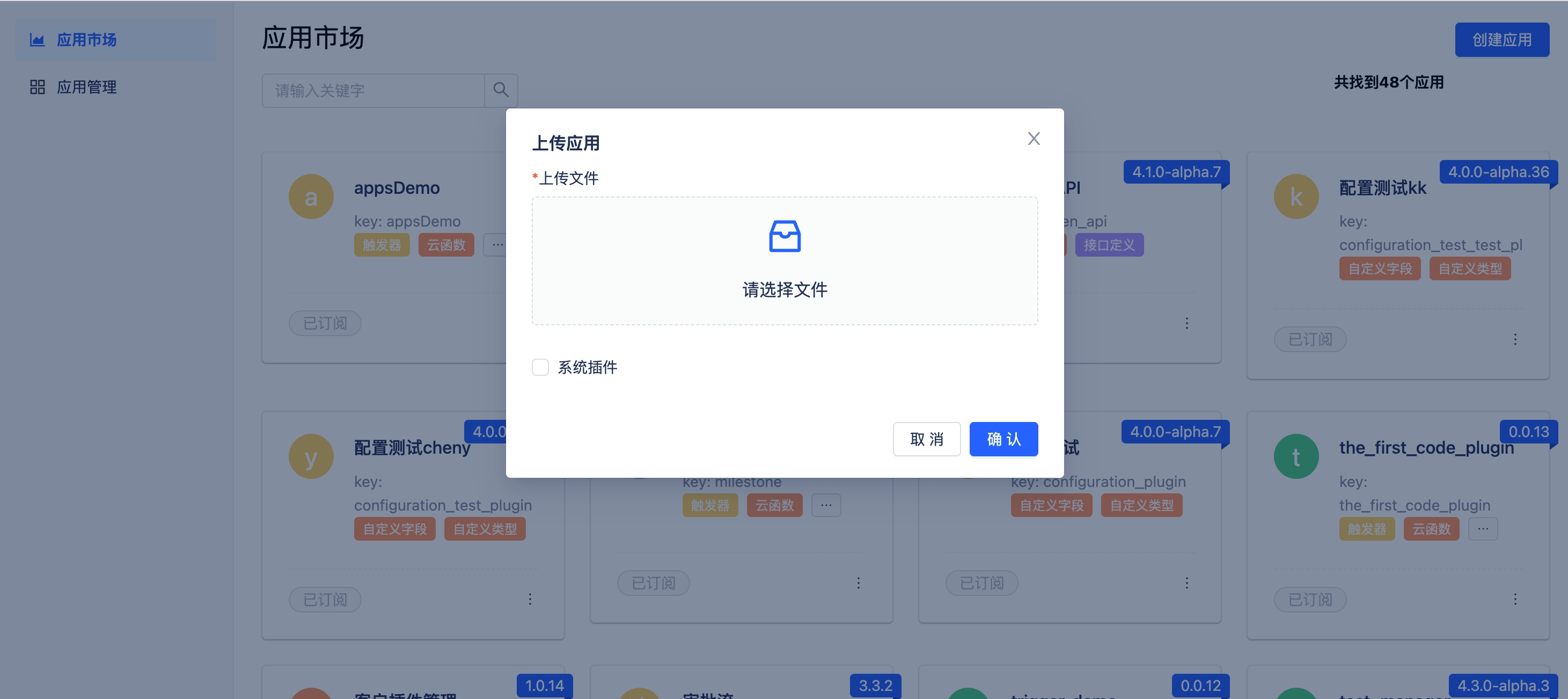
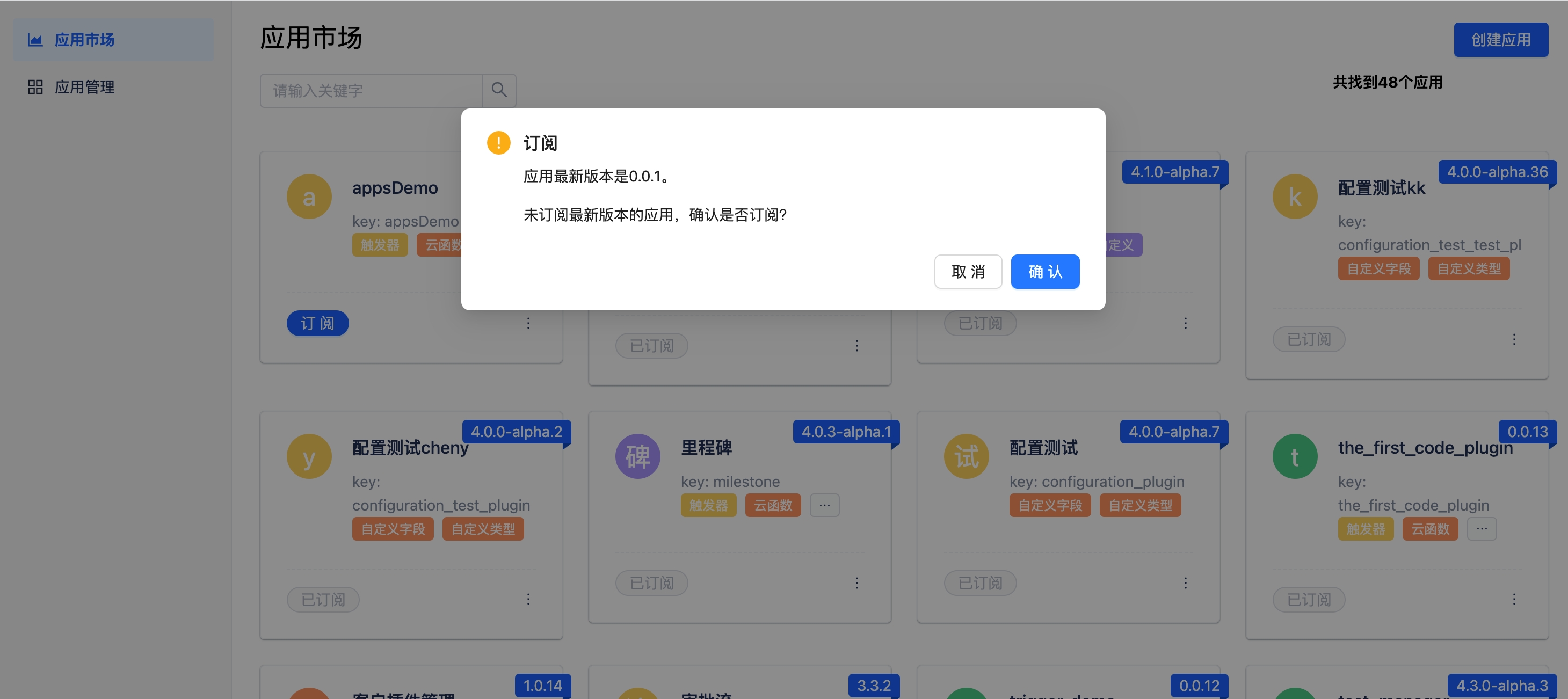
- Click "Subscribe".