Notification Scheme
Scenario Description
By configuring notifications, you can receive system or email notifications when issue operations or property updates occur.
Main Features
1. Configure Notification Scheme
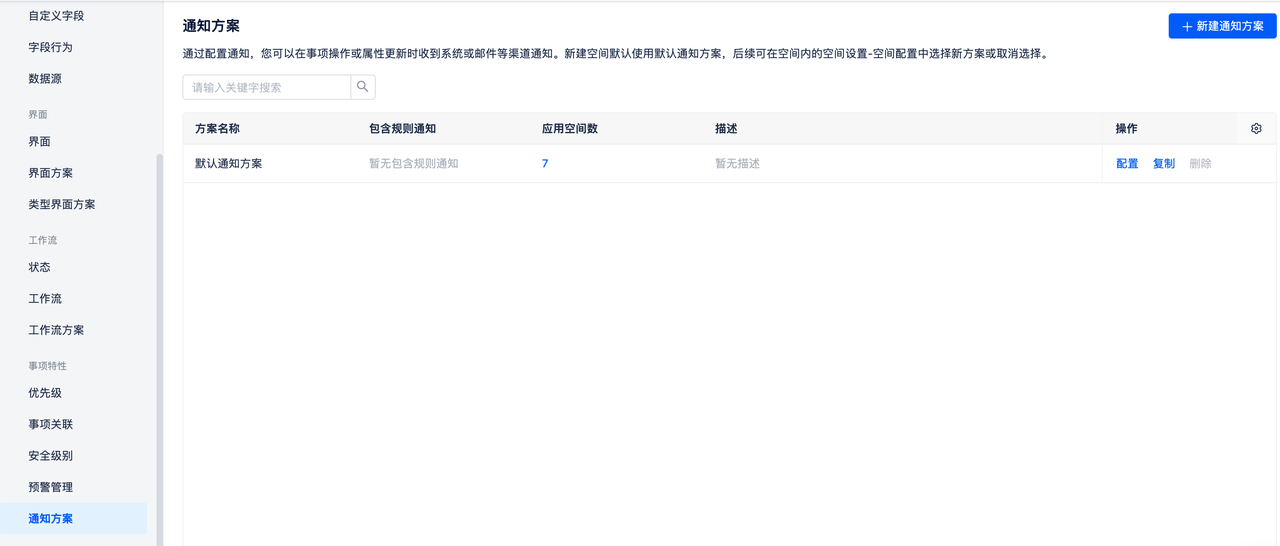
The system has a built-in default notification scheme. Click the "Configure" button to set up notification conditions and rules.
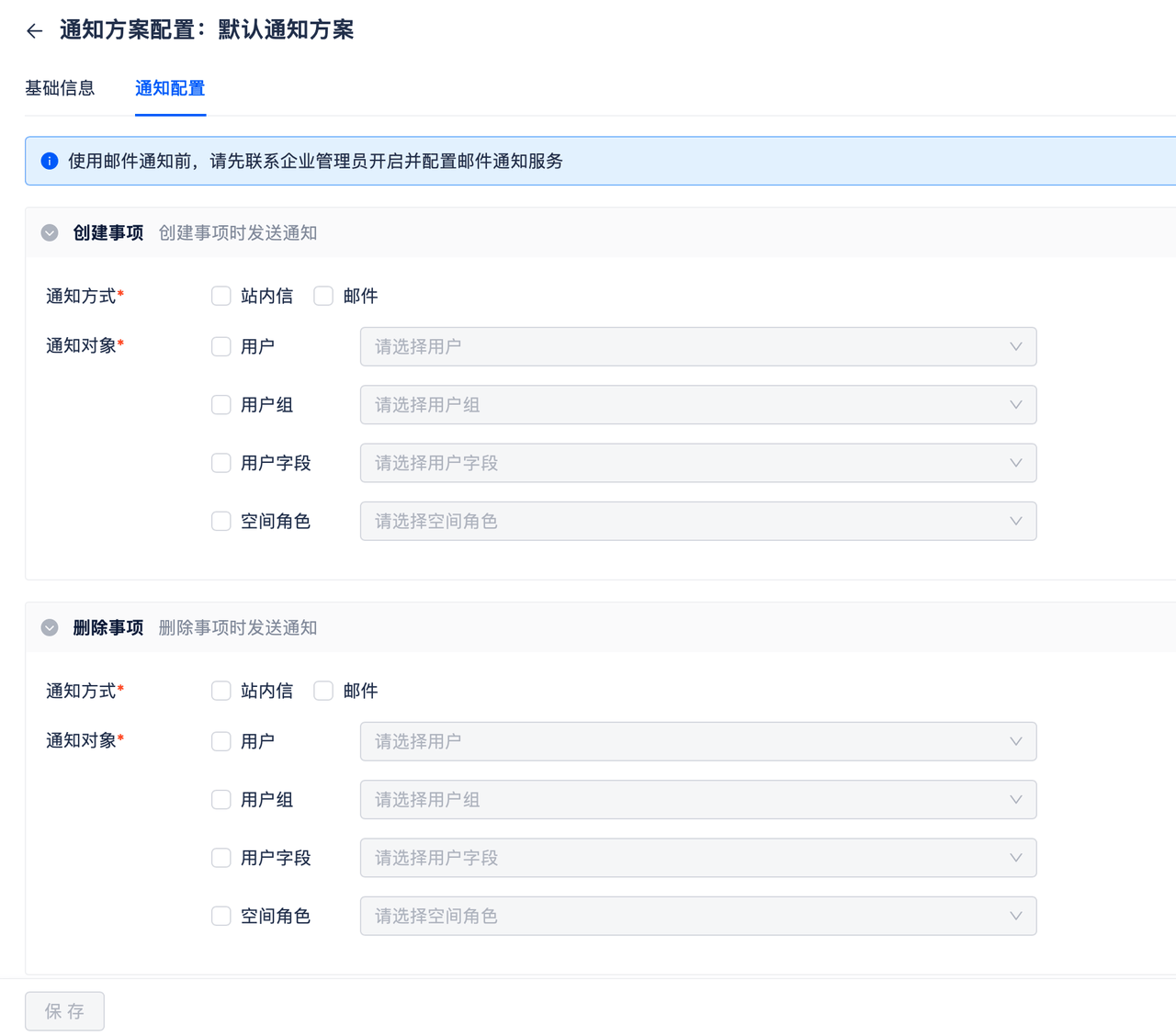
- Trigger Conditions: Support configuring notifications when the following issue changes occur:
- Create issue
- Delete issue
- Modify assignee
- Change status
- Edit issue
- Approve issue
- Comment on issue
- Change issue comment
- Delete issue comment
- Notification Methods: Support sending notification messages via in-app messages and email. When trigger conditions are met, such as when an issue is created, in-app messages or emails will be automatically sent to notification recipients.
- Notification Recipients: Support setting certain users, user groups, user fields, and space roles as notification recipients.
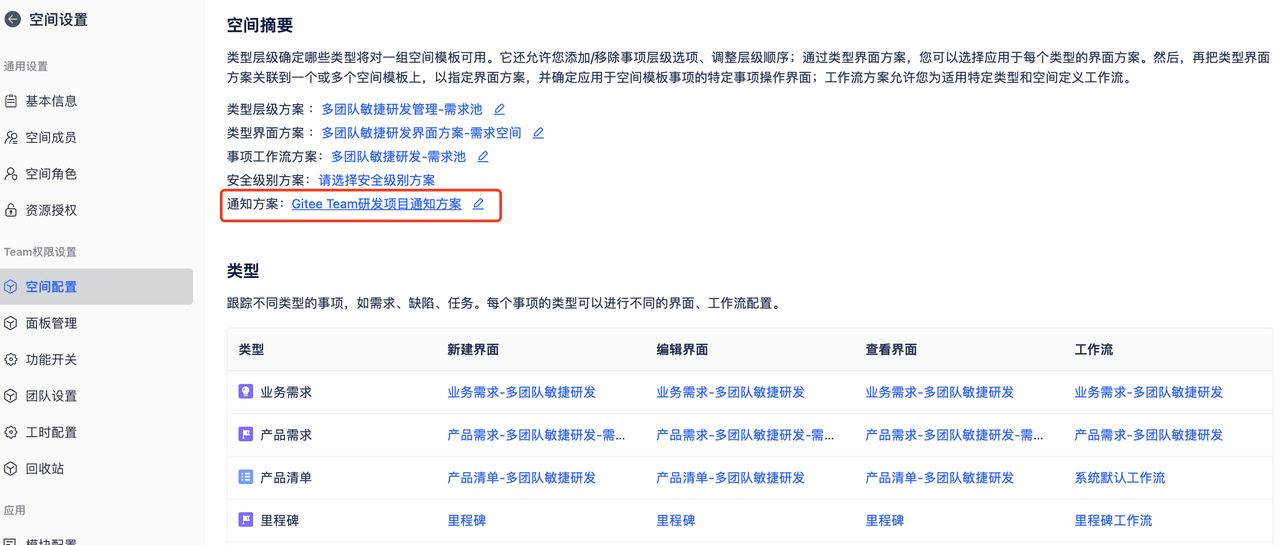
2. Apply Notification Scheme to Spaces
Different projects can choose to apply custom notification schemes. Projects with applied notification schemes will automatically send notifications to relevant people when issues change.